
Consultancy Management System for Engineers and Quantity Surveyors: Milestones, Changes, and Cost Assurance
What A Consultancy Management System (CMS) Is And Who It Serves
A Consultancy Management System (CMS) for engineers and quantity surveyors is a structured SharePoint workspace that centralizes project data, decisions, and evidence. It gives consulting engineers, QS teams, and client-side PMs real-time control over milestones, change/ variation impacts, and cost assurance. Why do these matter? In construction or engineering projects, milestones drive delivery and cash flow. Changes shift scope, time, and risk. Cost assurance ensures certifications remain defensible and backed by linked evidence.
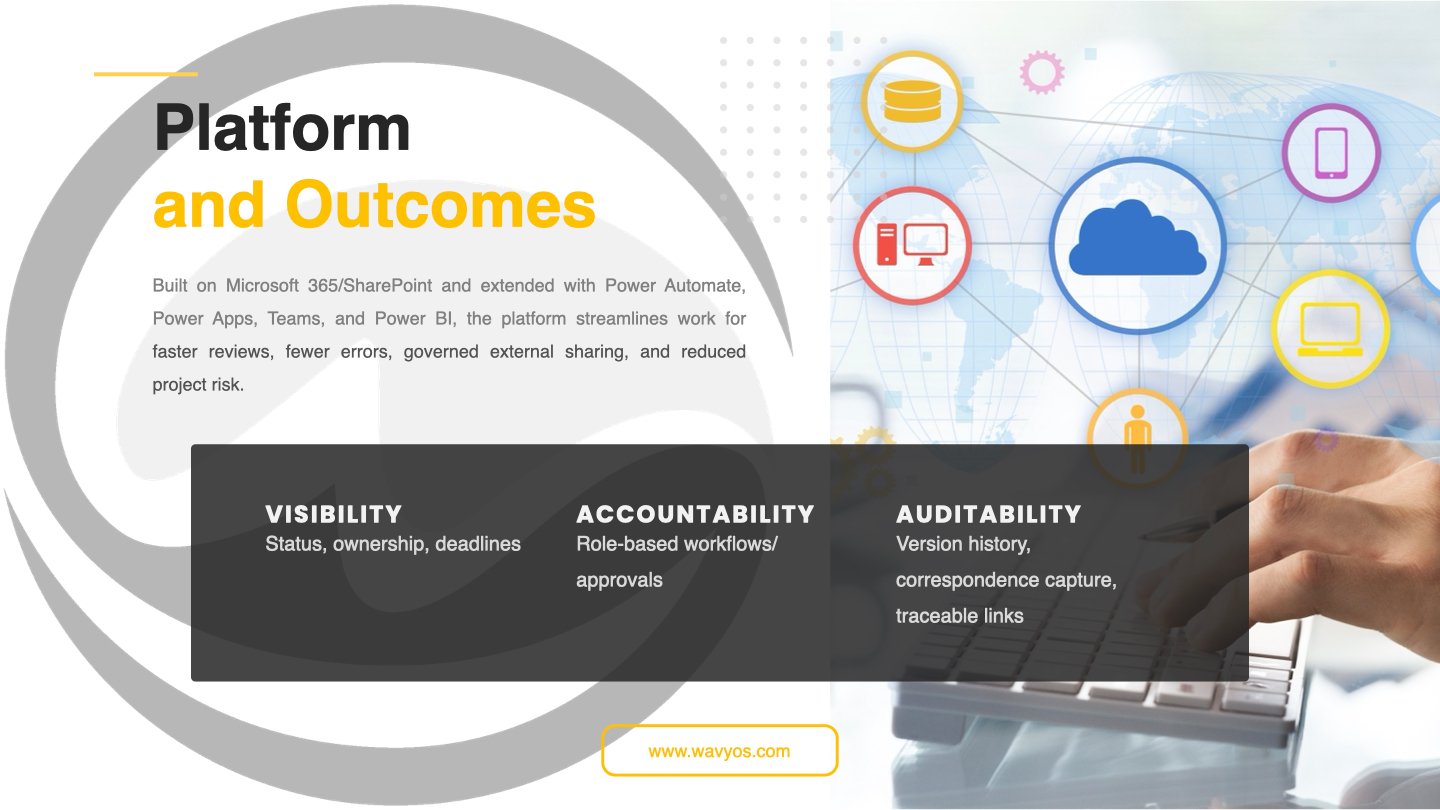
Built on Microsoft 365/ SharePoint, the Consultancy Management System (CMS) can be extended with Power Automate, Power Apps, Teams, and Power BI. This makes it flexible and scalable. Operationally, it provides clear visibility through status tracking, ownership records, and deadlines while ensuring accountability via role-based workflows and approvals. Auditability is maintained through full version history, correspondence capture, and traceable links. The result is faster reviews, fewer errors, and governed external sharing that reduces project risk. Key information — milestone slippage, change exposure, KPIs and payment integrity — is accessible through custom dashboards.
The Problem Landscape
Discipline and technical skill don’t automatically deliver controlled projects. Too many engineering and QS practices still run on siloed spreadsheets, shared drives, and email chains. Data ends up in pockets: the planner tracks milestones, the QS updates the cost plan, and the design team issues drawings — often without real-time linkage. As a result, decisions sink into inboxes, versions multiply, and no one knows which document actually drove a change.
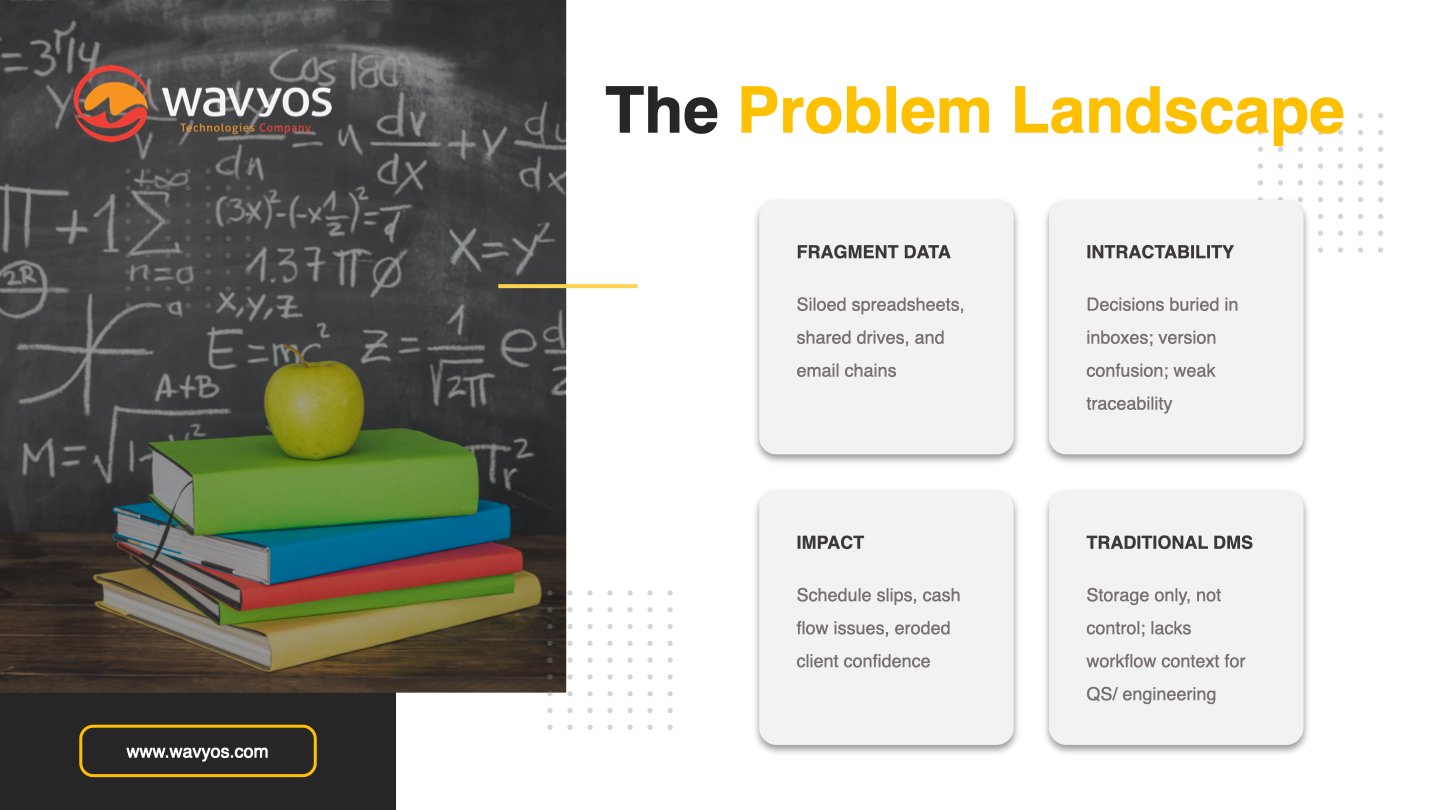
The damage shows up where it hurts most: programme, cash flow, and client confidence. When design or cost shifts surface late, teams file reactive claims, push valuations back, and walk into tense progress meetings. Clients pick up on this and feel the consultancy is chasing events instead of steering outcomes.
Traditional document management systems (DMS) store files, but they rarely reflect QS or engineering workflows. They don’t map milestones, instructions, approvals, or cost movements as connected events. Without that context, a DMS turns into an archive instead of a control system, leaving teams exposed on change, risk, and cost assurance.
Why SharePoint As The CMS Foundation
SharePoint gives engineering and QS teams a solid, practical foundation for a Consultancy Management System. It delivers a robust set of fundamental tools that work smoothly out of the box: rich metadata to classify projects and documents, reliable version history, granular permissions, and fast search that cuts through folder chaos. Because it sits inside Microsoft 365, teams can link CMS content directly with Outlook, Excel, Word, and Teams instead of juggling separate logins and systems. SharePoint also grows with your workflows through the Power Platform:
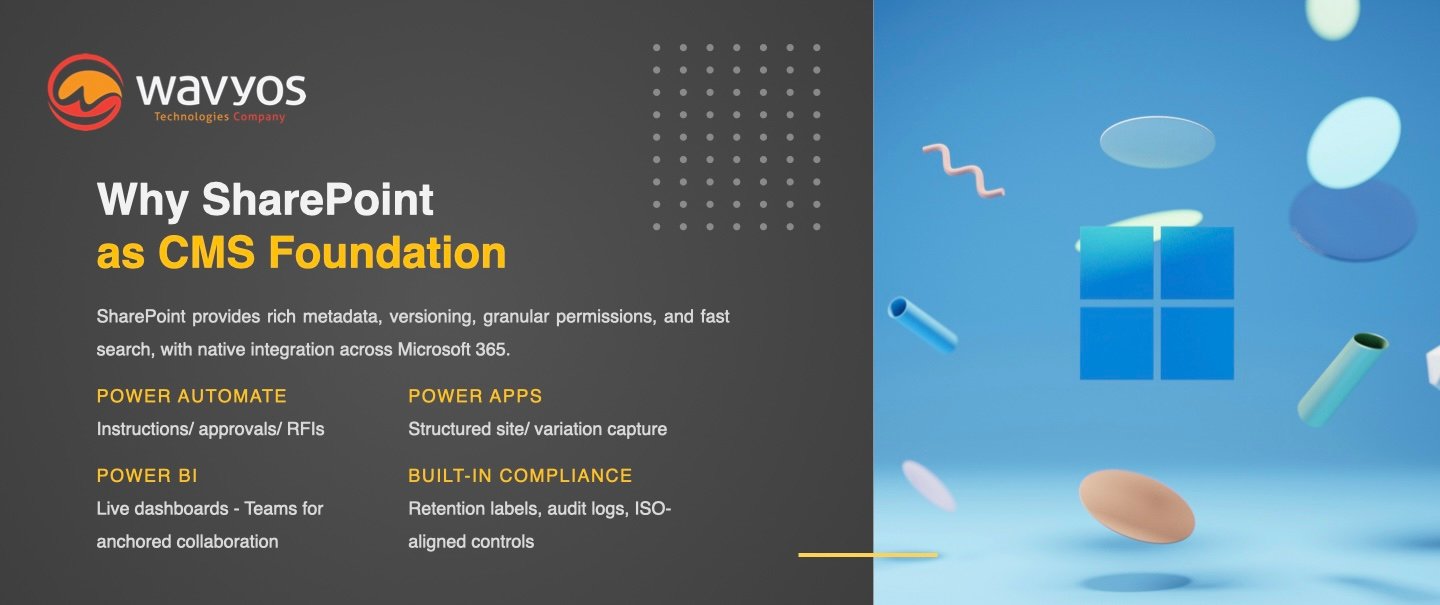
- Power Automate can route instructions, approvals, and RFIs.
- Power Apps can capture site data or variation details in structured forms.
- Power BI can turn milestones, changes, and cost movements into live dashboards, while Teams keeps conversations anchored to the right project records.
Compliance is built in, not bolted on. Retention labels help enforce record-keeping rules, audit logs track who did what and when, and permission controls align with ISO-style quality and information security requirements.
Let’s look at why SharePoint is the de facto choice for building a consultancy management system for engineers and quantity surveyors.
#1 Core information architecture
With the foundation set, the next step is to shape how information flows through the CMS. A clear information architecture lets teams see milestones, changes, and costs in context instead of hunting through folders and emails.
Starting with a simple, repeatable hierarchy
Start with a portfolio or program hub at the top, client-level sites beneath it, and individual project sites under each client. Give every project site the same structure, with standard libraries for Drawings, Specifications, Contracts, Reports, Photos, and other core documents. In this case users always know where to file and find information.
Structured, searchable registers in SharePoint
Keep key project registers as SharePoint lists, not spreadsheets. Deliverables and milestones, variations and changes, RFIs, correspondence, risks and issues, payment applications, transmittals, and actions each live in dedicated lists with consistent columns and views. Content types and metadata tie it all together: project ID, stage, discipline, document type, status, due date, cost code, WBS, originator/ recipient, and revision. With this structure, every record becomes trackable, filterable, and reportable.
#2 Milestones and deliverables visibility
A CMS only delivers value when everyone can see what needs to happen, by when, and what might slip. Milestones and deliverables sit at the heart of that picture for engineering and QS teams.
A central Deliverables Register in a SharePoint-based CMS tracks each item with clear ownership, due dates, status, and dependencies. Teams can switch between Gantt-style timeline views and Kanban boards to plan and review work. Color-coded SLAs highlight items nearing deadlines, while automated reminders from Power Automate keep assignees and project leads alert without manual chasing.
Each deliverable links back to the underlying documents and decisions that support it. RFIs, approvals, meeting minutes, and key correspondence sit one click away from the milestone record, so users can see not just what is due but why it matters and what is blocking progress. Power BI dashboards then pull this data together into live views of overdue, at-risk, and completed milestones by project, client, or portfolio. This setup turns milestone management from reactive reporting into proactive control.
#3 Managing changes and variations
Change and variation control often makes or breaks commercial outcomes. A structured approach in the CMS lets teams capture every change, assess its impact, and defend their position with evidence.
A central Variation Register in SharePoint records each change with scope description, reason, cost and time impact, and approval status. Power Automate drives a clear workflow: submission, assessment by QS or engineer, client or internal approval, implementation, and final closeout. Each stage updates status and timestamps, so project leaders can see where requests stall.
Traceability sits at the core of this model. Every variation can link to the related correspondence, marked-up drawings, contract clauses, instructions, and meeting notes. Users no longer hunt through inboxes to reconstruct how a change emerged or who agreed to what. Power BI reporting then surfaces exposure and performance: total potential vs approved value, pending items by age, cycle times by client, and trend analysis over the life of the project or portfolio. This turns variation management into a controlled, auditable process rather than a scramble at final account.
#4 Cost assurance and payment controls
Cost assurance depends on consistent, evidence-based control of payments. A CMS built on SharePoint gives QS and engineering teams one place to manage claims, support decisions, and protect both cash flow and commercial position.
A Payment Applications or Valuations list tracks each application with claimed, certified, and paid amounts, plus retention and variations included. Standard fields and views keep valuations comparable across projects. Power BI can then surface cash flow profiles, forecasts, and exceptions such as under- or over-certification.
Evidence sits alongside every certification decision. Each line item can link to photos, site measures, delivered milestones, and signed instructions so certifiers can justify their assessment. This reduces disputes and helps teams respond quickly when clients or contractors challenge a valuation.
Power Automate captures the approval chain and any adjustments, building a clean audit trail without manual logs. Exception alerts flag late certifications, large write-downs, or disputed items so managers can intervene early. Instead of reactive reconciliations at month-end, the CMS supports continuous, transparent cost control.
#5 Correspondence, decisions, and audit trails
Projects often unravel not because work was unclear, but because no one can prove what was agreed, when, and on what basis. A CMS should close that gap by turning everyday correspondence into a reliable audit trail.
Email-to-SharePoint and Teams integration let users file key messages straight into a structured Correspondence library, tagged by project, counterparty, topic, and related register item. Instead of searching personal inboxes, teams can filter, search, and retrieve the full story around any issue.
A dedicated Decision Log records what was decided, by whom, and linked to the relevant deliverables, variations, and payment events. This keeps commercial and technical decisions visible, not buried in meeting minutes. Transmittal registers then control who received which drawing, report, or document revision and when they received it. Together, these elements give QS and engineering teams the defensible record they need for claims, audits, and final account negotiations.
#6 Permissions, external sharing, and compliance
Strong controls over who sees what, and for how long, sit at the centre of a credible CMS. SharePoint’s permissions model lets practices mirror real project roles instead of relying on ad hoc folder locks.
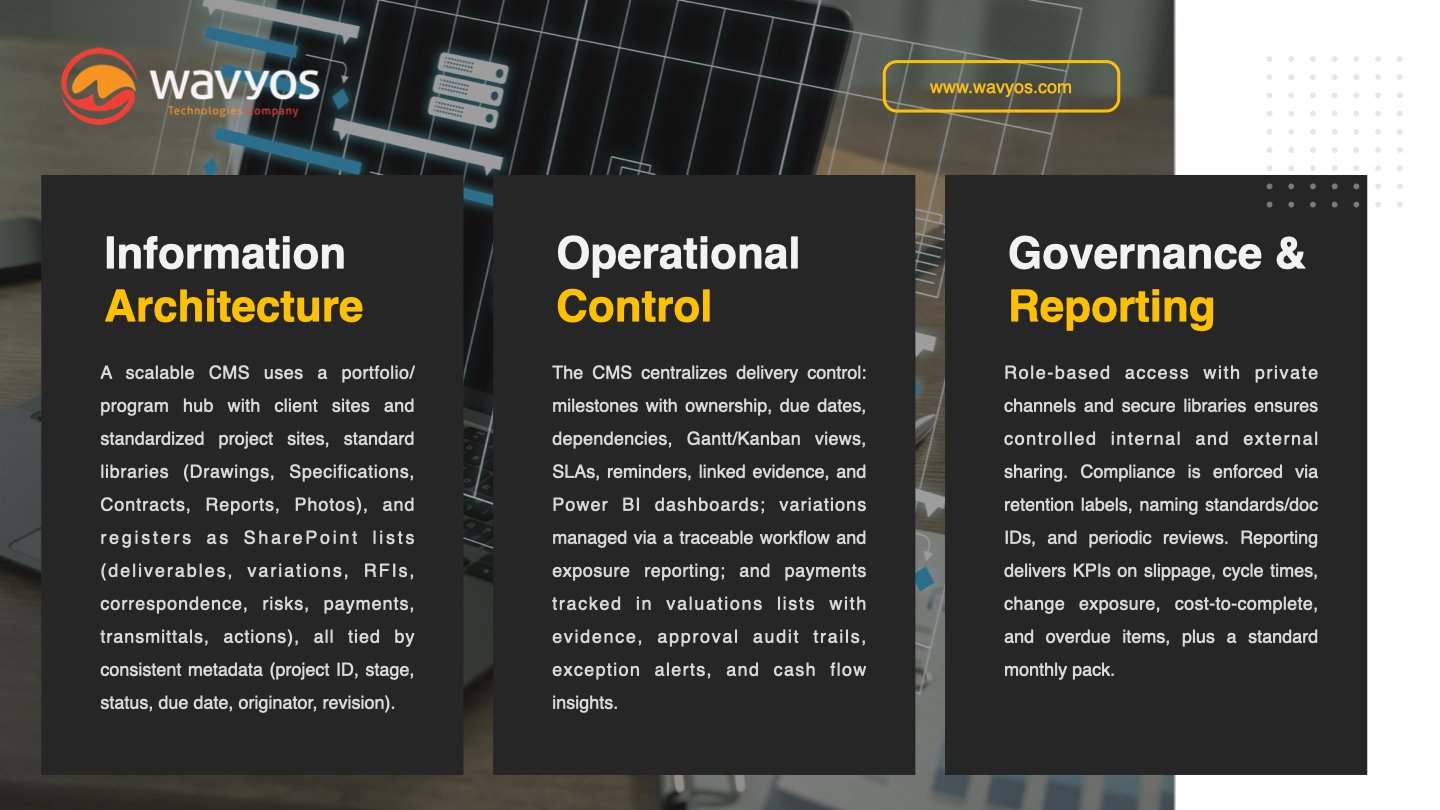
Role-based access separates internal teams, client representatives, contractors, and specialist consultants. Each group sees the libraries and registers they need, but sensitive areas such as commercial negotiations or HR remain restricted. External sharing patterns, private channels in Teams, and secure libraries in SharePoint support collaboration without handing over the whole project site.
Compliance features then keep information orderly and defensible. Retention labels control how long records stay live and when they move to archive or disposal. Naming standards and document IDs make it easy to reference the right revision in meetings, contracts, and claims. Periodic permission and content reviews ensure the CMS stays clean, secure, and aligned with ISO-style quality and information security requirements.
#7 Reporting and KPIs
Reporting turns the CMS data model into real management control. With Power BI plugged into SharePoint lists, practices can track milestone slippage, approval cycle times, change exposure, cost-to-complete, and overdue items across projects and portfolios. Dashboards give partners and project directors a single view of where risk, delay, and cash pressure are building.
For day-to-day operations, SharePoint list views still do most of the heavy lifting. Conditional formatting can highlight overdue RFIs, at-risk milestones, and aging variations in red or amber, so coordinators and QS teams see what needs action as soon as they open a register.
At a governance level, a standard monthly reporting pack built from these dashboards and views keeps reviews consistent and fast. Each project outputs the same set of KPIs and charts, making it easier to compare performance, spot trends, and agree follow-up actions.
From Concept To Practical Next Steps
A single article cannot cover every SharePoint feature or every variation of QS and engineering workflow. The goal here is not to exhaust the topic, but to show that a well-designed CMS can bring discipline and visibility to the parts of your service that matter most: milestones, changes, and cost assurance.
To learn more about SharePoint’s features, see our earlier article: SharePoint for Intranets.
With the right information architecture and automation, teams see deliverables and dependencies early, manage variations with proper evidence and audit trails, and certify payments on a consistent, defensible basis. Instead of chasing files and reconstructing decisions, your people can focus on analysis, negotiation, and project strategy. Clients feel more informed and in control, while partners gain clearer insight into risk, performance, and cash.
If this approach aligns with how you want to run your projects, take the next step. Book a short demo of our SharePoint-based CMS template, request a readiness assessment for your current systems, or download a sample metadata and register schema to adapt in-house. Contact us today.
Email: sales@wavyos.com
WhatsApp: +852 6099 4407
Other topics that you might be interested in:
- Our website design and development, mobile app development and SharePoint services.
- How to Transform Your Old App into a Smart Mobile App?
- Beyond Reactive: The Age of AI Customer Service
- What Could Your Business Accomplish With AI Workflows?
- How Does No-Code Development Revolutionize Modern Software Economics?
